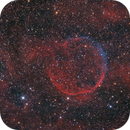
Helix Nebula
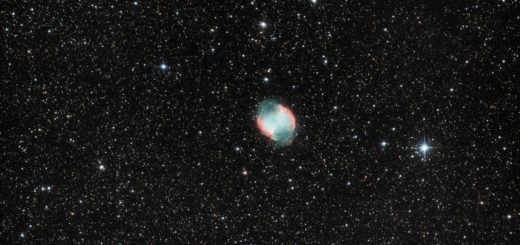
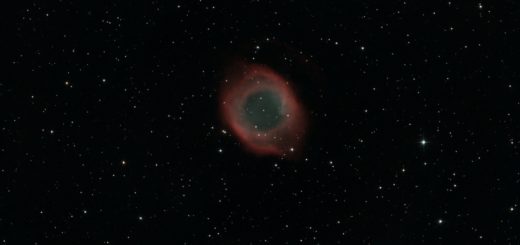
Helix Nebula, superb deep sky object but so low on the horizon that the telescope was almost parallel to earth! First processing using PixInsight, yay! Click on the image for more details

Helix Nebula, superb deep sky object but so low on the horizon that the telescope was almost parallel to earth! First processing using PixInsight, yay! Click on the image for more details
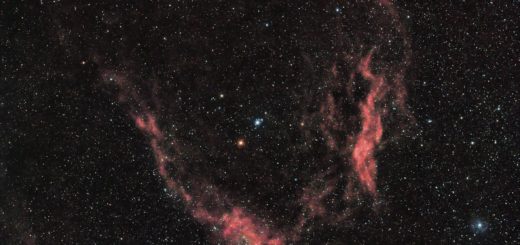
Longest integration/deepest picture taken so far. 20+ hours in RGB and Ha, very faint subject. Click on the image for more details.
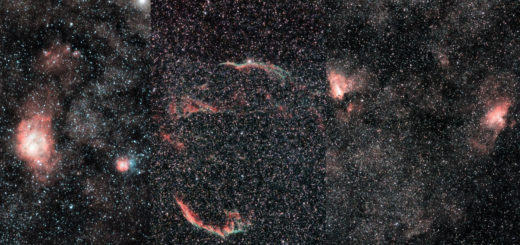
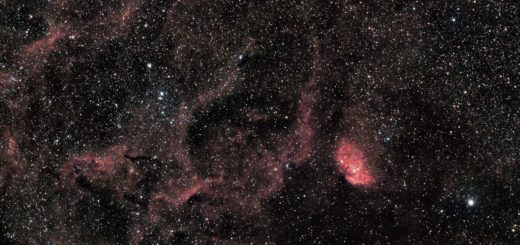
Three wide fields taken in Puglia. Thanks to lower latitude and the stars setting on the sea, I’ve been able to shoot subjects at very low declination. My new Samyang 135mm f2 is exceptional,...
Our fast newtonian is back to work! Stacked with DSS and processed with Startools. Follow the link to astrobin page for acquisition details
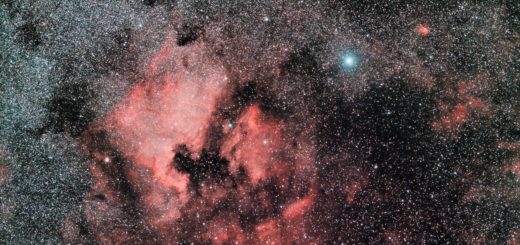
No HA data! My new Samyang 135mm f2 is exceptional! Stacked with DSS and processed with Startools. Follow the link to astrobin page for acquisition details
Stacked with DSS and processed with Startools. Follow the link to astrobin page for acquisition details I found my preferred way to mix RGB and Ha data within the Layers module of Startools: see...
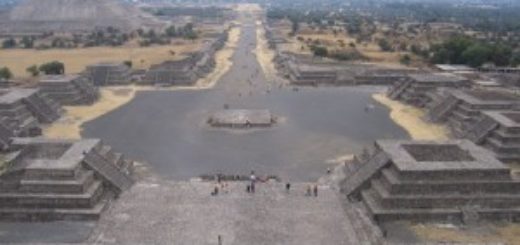
Si tratta di uno dei siti archeologici più famosi e visitati al mondo, si trova a soli 45 km dal centro di Città del Messico, e vanta le rovine più grandi e sotto molti...
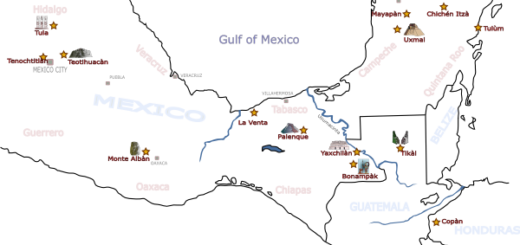
Monte Alban è sicuramente uno dei siti archeologici più emozionanti di tutto il Messico, si trova a ridosso di Oaxaca e dall’alto domina la valle in cui sorge questa città coloniale spagnola. Il centro...
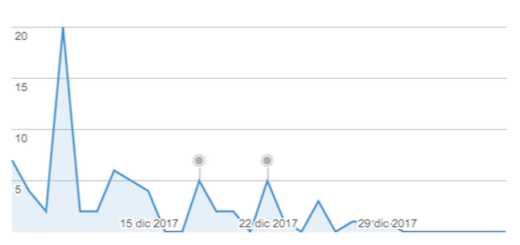
Hi, version 58 has been released on Dec 20th 2017 finally solves the huge number of crashes reported on previous builds. Sorry for the inconvenience! Update your devices 😉 Gnagno
Fu scoperta nel 1773 da frate Ordoñez, un canonico della cattedrale di Ciudad Real, in Chiapas, il quale decise di verificare le voci che parlavano di un’imponente città abbandonata avvolta nella foresta pluviale. Palenque...